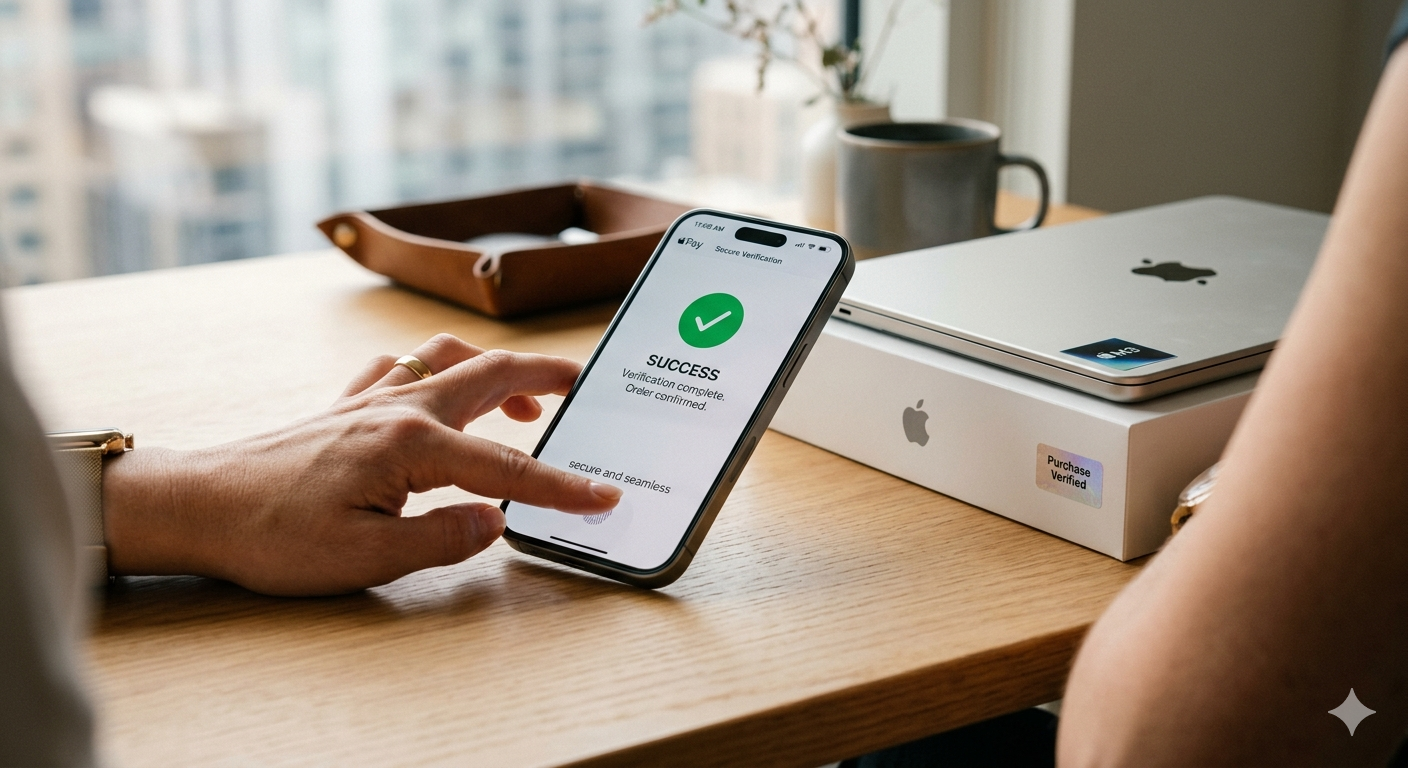
Why Your Products Need Passkeys, Not Passwords
A customer unboxes a new dishwasher. There is a QR code on the door panel. They scan it. The experience loads: setup guidance, warranty registration, product support. It looks promising.
Then the wall: Create an account.
Email address. Password. Confirm password. Agree to terms. Verify email. Come back to the page. Log in. Now fill in the warranty form.
Most people close the tab. The ones who persist are trusting an email-and-password pair (a model designed for websites in 2004) to represent their ownership of a physical product worth several hundred pounds. A model that can be phished, shared, forgotten, and compromised. A model that has nothing to do with the person physically holding the product. This is the core problem that digital product identity strategies must solve.
There is a better way. And it is already in every smartphone your customers own.
The Authentication Problem Nobody Talks About
Connected product platforms have a structural weakness: the moment a customer scans a product QR code, the experience breaks.
Not technically. The page loads. The content renders. But the business logic (warranty registration, ownership tracking, personalised support) all requires knowing who this person is. And "knowing who this person is" has, for the entire history of connected products, meant "make them create an account on our platform."
University of Michigan research from 2015 found that only 6% of consumers always register their products, and 16% never do under any circumstances. The majority of customers who scan a product code for the first time (the moment of peak engagement) are lost to the friction of account creation.
This is not a UX problem you can optimise your way out of with shorter forms and fewer fields. It is an architectural problem. The authentication model is wrong for the use case.
When a customer scans a product they physically hold, the system should not be asking "what is your email and password?" It should be asking one question: are you the person holding this product?
That is exactly what passkeys do. Combined with wallet pass delivery, this creates the frictionless registration experience manufacturers have been seeking.
What Passkeys Are (and Why They Matter Now)
Passkeys are the consumer-facing implementation of the FIDO2/WebAuthn standard, a cryptographic authentication method that replaces passwords with public-key credentials secured by biometrics.
In plain terms: instead of typing a password, you authenticate with your fingerprint, face, or device PIN. Your private key stays within your authenticator and, on consumer platforms, syncs only through your own end-to-end encrypted keychain such as iCloud Keychain or Google Password Manager. The website or manufacturer you sign in to only ever receives the matching public key. There is no shared secret to phish, no password to forget, no credential database to breach.
Here is what matters for connected products:
- Every modern smartphone supports them. Apple, Google, and Microsoft have built passkey support into iOS 16+, Android 9+, and Windows 10+. The infrastructure is already in your customers' pockets.
- They sync across devices. A passkey created on an iPhone is available on the user's iPad and Mac via iCloud Keychain. Android passkeys sync through Google Password Manager. The customer does not lose access when they switch devices.
- They are phishing-resistant by design. The credential is cryptographically bound to the specific domain. It cannot be intercepted, replayed, or entered on a fake site. This is not an incremental improvement over passwords: it is a different security model entirely.
- Adoption is accelerating. Apple and Google both surface passkey creation prompts by default on supported devices. The behaviour is becoming normalised across platforms.
The web platform caught up. The connected product industry has not noticed yet.
From Account Ownership to Product Ownership
Here is the shift that matters for manufacturers.
A password authenticates a person to a platform. It says: "this person has an account on our system." It says nothing about their relationship to any specific product.
A passkey can authenticate a person to a product. The cryptographic key pair (public key stored against the product's digital identity, private key on the owner's device) creates a binding between the person and the specific unit they own. Not "this person has an account." Rather: "this person is the verified owner of serial number DW-2026-0847291."
This distinction is subtle but has real operational consequences:
- Ownership is a cryptographic fact, not a database entry. The proof that someone owns a product is the private key on their device, not a row in a table that says "email X registered product Y."
- Authentication happens at the product level, not the platform level. The customer does not need to know or care what platform powers the product experience. They scan, they authenticate with their face or fingerprint, they are in. The product knows them.
- The model maps to how physical products actually work. You do not need a username and password to use your dishwasher. You should not need one to access its digital experience either.
What This Unlocks for Manufacturers
Zero-Friction Warranty Registration
The entire registration flow collapses to seconds:
- Customer scans the QR code on the product
- The experience prompts: "Register this product as yours"
- Customer confirms with Face ID, fingerprint, or device PIN
- A passkey is created, binding the customer's device to this specific product serial
- Warranty is registered. Owner is known. Relationship begins.
No email. No password. No form. No verification email. The customer goes from unboxing to registered owner in seconds, using a gesture they perform dozens of times a day: unlocking their phone.
Secure Ownership Transfer
Products change hands. Appliances are sold with houses. Power tools are gifted. Commercial equipment is leased and returned. Every ownership change is currently either invisible to the manufacturer or requires a "contact support" process to update.
With passkey-based ownership, transfer becomes a cryptographic operation:
- Current owner initiates transfer from the product experience
- New owner scans the product and creates their own passkey
- The previous owner's key is revoked; the new owner's key is bound to the product
- Warranty status, service history, and product data transfer with the product, not with the old owner's email account
No support tickets. No account sharing. The product's digital identity persists across owners, and each owner is cryptographically verified.
Installer and Technician Access
Many durable goods (HVAC systems, commercial kitchen equipment, smart home devices) involve professional installation and field service. Today, giving a technician access to product data means either sharing login credentials (insecure), creating temporary accounts (friction), or printing configuration sheets (which defeats the purpose of digital).
The same cryptographic model that verifies owners can also verify service professionals. An installer who scans the product and authenticates with their own device could receive a role-scoped view: access to configuration data, installation guides, and commissioning workflows, without sharing the owner's credentials or creating a platform account. The credential model supports scoping access by role and time window, keeping owner and installer contexts separate.
Anti-Counterfeiting
Counterfeiting in consumer durables and industrial equipment is a growing problem, particularly for spare parts. The OECD estimates global trade in counterfeit goods at approximately $460 billion annually. A product with a passkey-protected digital identity creates a verification chain:
- The product's QR code links to its digital identity on the manufacturer's platform
- The digital identity is bound to a cryptographic record that cannot be duplicated
- A customer scanning a genuine product gets the authenticated experience; scanning a counterfeit gets nothing, or a warning
This is fundamentally stronger than hologram stickers, scratch-and-verify codes, or any visual authentication method. The verification is cryptographic, not visual. In the WebAuthn model the private key never leaves the owner's device or authenticator (held in iCloud Keychain or Google Password Manager, for example), and the manufacturer's platform stores only the matching public key. There is no shared secret to copy and no credential database to breach, which is what makes the ownership credential resistant to theft and cloning. For a deeper look at the security layers involved, see connected product security: beyond QR code authentication.
Recall Verification
When a safety recall is issued, manufacturers need to reach the actual owners of affected units. The EU behavioural study on product recalls illustrates how much direct contact matters: Samsung's Galaxy Note7 recall achieved close to 100% recovery, tied to more than 23 million direct alerts and push notifications sent straight to device owners. Most manufacturers cannot do this, because they have no direct relationship with the current owner and have to rely on media notices and word of mouth instead.
Passkey-based ownership changes this:
- The manufacturer knows exactly who owns each affected serial number
- They can push a notification directly through the product's digital experience
- When the owner responds, their identity is verified cryptographically, not by asking them to read a serial number off the back of the product
- The recall completion record is tied to verified ownership, not self-reported data
The DPP Intersection
The EU Digital Product Passport (under ESPR, Regulation (EU) 2024/1781) requires a persistent digital identity for every regulated product. Passkeys provide a persistent, phishing-resistant digital identity for the product's owner. These are two halves of the same system.
A DPP tells the world what the product is: materials, compliance data, sustainability metrics, repairability. A passkey-based ownership layer tells the system who owns it, and verifies that claim cryptographically every time the owner interacts with the product.
The manufacturers who combine both have something neither compliance-only DPP platforms nor traditional connected product tools can offer: a product identity system that is simultaneously regulatory-compliant, genuinely secure, and built for ongoing customer relationships. This is explored more deeply in beyond compliance: why DPP is really about identity.
| Layer | What it contains | Who it serves |
|---|---|---|
| DPP compliance layer | Material composition, sustainability data, repairability score, regulatory documentation | Regulators, supply chain |
| Product identity layer | Serial number, manufacture date, scan history, configuration, service record | Manufacturer, service partners |
| Ownership layer (passkey-bound) | Verified owner identity, warranty status, parts purchases, support history | Customer, manufacturer |
Three layers. One QR code. One scan. The first layer satisfies the regulator. The second and third build the business.
Implementation Reality
Passkeys are not vapourware. The W3C WebAuthn standard is mature. Device support covers iOS, Android, Windows, and macOS. But implementing passkey-based product ownership is not a trivial project. Here is what it requires:
WebAuthn integration in the product experience platform. The platform that powers the product's digital experience must support the WebAuthn API for credential creation and authentication. This is a platform-level capability, not something bolted on per product.
Conditional UI for first scan. When a customer scans a product for the first time, the experience must detect whether their browser and device support passkeys and present the appropriate flow: passkey creation for supported devices, a fallback for the small minority that do not support the standard yet.
Key recovery and multi-device access. Passkeys sync across devices within an ecosystem (Apple, Google), but customers need a recovery path if they lose all their devices. This typically means a recovery email or phone number, used only for account recovery, not for day-to-day authentication.
Ownership transfer protocol. The system needs a defined flow for transferring ownership (revoking the previous owner's credential and binding a new one) that works at the product level without friction.
Role-based access for installers and service partners. Beyond owner credentials, the architecture should support role-scoped views for professional access, keeping installer and owner contexts separate.
Why Now
Passkey device support has reached critical mass across iOS, Android, and Windows. Manufacturers investing in digital product identity for ESPR compliance can add passkey-based ownership to that same infrastructure at marginal cost, rather than retrofitting it later. And consumers who authenticate with Face ID and fingerprint constantly will not tolerate password forms for products they physically hold.
FAQ: Passkeys and Product Identity
Will passkeys work for customers in regions with lower smartphone penetration?
Passkeys require modern device support (iOS 16+, Android 9+, Windows 10+), which covers the large majority of smartphones in active use globally. For the small percentage without biometric devices, a recovery email/phone method provides access. The fallback path ensures nobody is locked out while maintaining security.
How do passkeys handle account recovery if a customer loses their device?
Passkeys synced through iCloud Keychain (Apple) or Google Password Manager (Android) are automatically available on new devices within the ecosystem. For complete device loss, a recovery email or phone number (used only for account recovery, not daily authentication) provides access. The system never stores the private key centrally.
BrandedMark provides passkey-native product ownership as a core platform capability: WebAuthn credential creation, ownership transfer, and device-based authentication on mobile. See how it works.